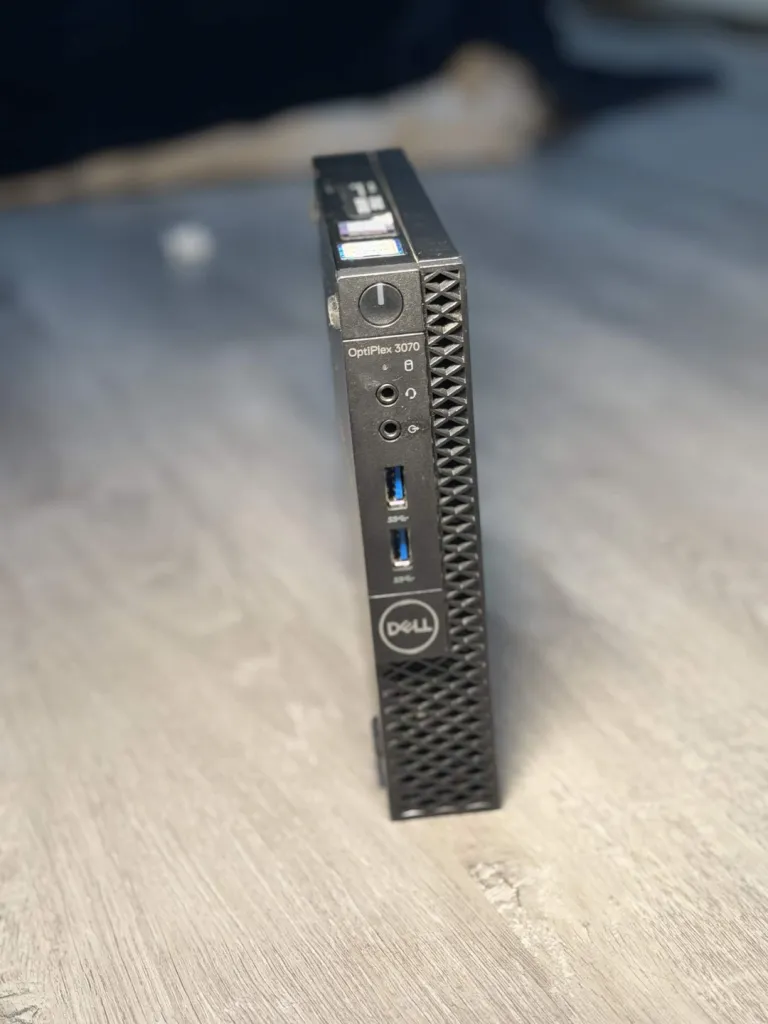
OptiPlex 3070 vs 7070 vs 3080
The first digit is the tier (3000 is mainstream, 7000 is higher end). The last two point to the release: the x070 models use 8th and 9th generation Intel processors, the x080 models 10th.
| Feature | OptiPlex 3070 | OptiPlex 7070 | OptiPlex 3080 |
|---|---|---|---|
| Intel processors | 8th and 9th gen | 8th and 9th gen | 10th gen |
| Chipset | H370 | Q370 | B460 |
| Intel vPro | No | Optional, depends on configuration | No |
| Memory slots | 2 | 4 (Tower, SFF), 2 (Micro) | 2 |
| Maximum memory (Dell) | 32 GB | 64 GB (Tower, SFF), 32 GB (Micro) | 64 GB |
| Case sizes | Tower, SFF, Micro | Tower, SFF, Micro, Ultra | Tower, SFF, Micro |
Pick the 3070 if
You want a capable office computer at the lower end of the price range. With an i5 and an SSD it handles everyday work well.
Pick the 7070 if
Your IT team wants vPro remote management (check that the specific machine has it), or you want more memory slots in a Tower or Small Form Factor case. For ordinary desk work with the same processor, memory and drive, it will not feel much different from a 3070.
Pick the 3080 if
You want the newer 10th generation processors or more memory headroom than the 3070.
Compare the actual machine
A well configured older model often beats a newer one with less memory or a slower drive. Compare processor, memory and storage on each listing, and confirm details with Dell's support page for the model. If you are new to used business desktops, start with what to look for in a used Dell OptiPlex.
These models in our shop
-
Dell OptiPlex 3070 Micro
9th gen i5, 8GB RAM, 256GB SSD
$150 In stock