Refurbished vs new office PCs
A used business desktop and a new budget PC can cost similar money and suit very different people. Here is how to decide.
Start with the work
For email, web apps, documents, spreadsheets, point of sale and video calls, a recent office desktop is usually plenty. Look for an Intel Core i5 (or equivalent), at least 8 GB of memory and a solid state drive. Choose 16 GB if people keep many browser tabs open or work with large spreadsheets.
Video editing, 3D design and modern games are different. Those need a dedicated graphics card or a much newer processor, and a small office desktop is the wrong tool whether it is new or used.
Where refurbished makes sense
- Price for the specs. Business desktops lose value quickly once offices replace them, while they remain capable machines.
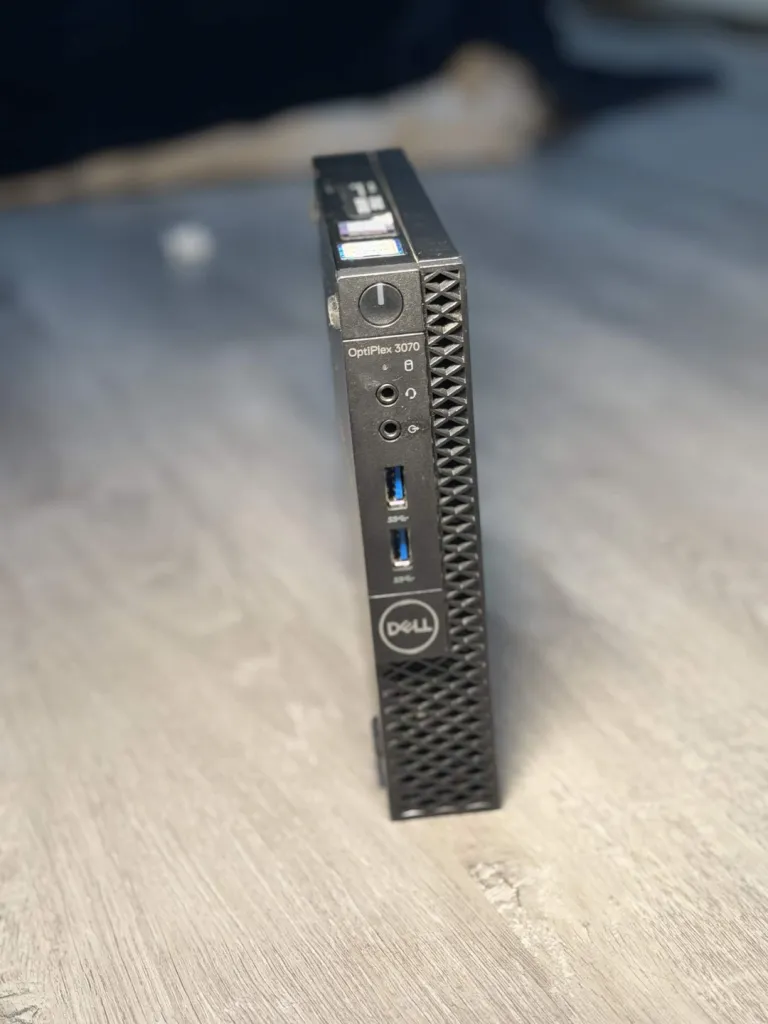
- Built for offices. Lines such as the Dell OptiPlex are designed for business fleets, with common parts and published service manuals.
- Easy upgrades. Many models let you add memory or swap the drive later.
- Less waste. A computer that stays in use is one that is not thrown away.
Where new is worth it
- You need a warranty or a support contract.
- You need the newest processors, graphics or wireless standards.
- One computer going down would stop your business and you have no spare.
Check Windows 11 support
Windows 10 reached the end of standard support on October 14, 2025. For a machine you plan to keep, choose one that supports Windows 11. In practice that means an Intel processor of 8th generation or newer, along with TPM 2.0. The listing should say which version of Windows is installed.
Read the seller's policy
Used computers are sold on very different terms. Ours are tested and cleaned before they go out, and all sales are final, with no returns and no warranty. Compare that with the price difference before you decide. If you are buying for a team, budget for a spare unit.
Computers in our shop
-
Dell OptiPlex 3070 Micro
9th gen i5, 8GB RAM, 256GB SSD
$150 In stock